

X-HOSTFULLY-APIKEY HTTP header.
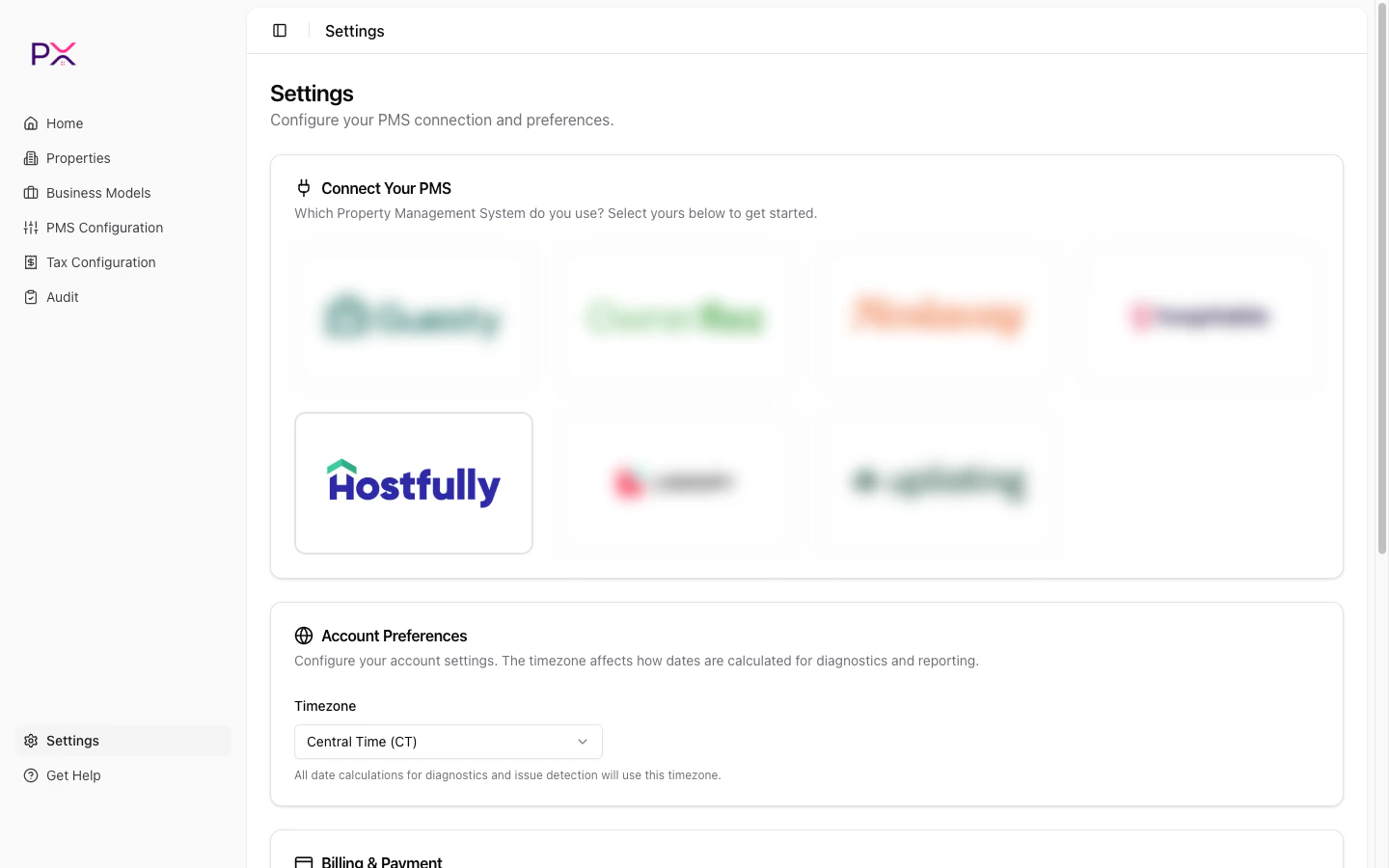
Selecting Hostfully on the PMS Connection card
Before you start
You will need:- A Hostfully plan that includes public API access. Not all plans do - if your agency settings have no API key field, contact api@hostfully.com to request access.
- Agency-admin permissions in Hostfully.
Step 1 - locate your API key
- Sign in to Hostfully: platform.hostfully.com/agency.jsp.
- Open the Agency Settings page.
- Scroll to the API Key field and copy the value.
- Confirm your Hostfully plan includes API access.
- Email api@hostfully.com to request the key.
Step 2 - paste the key into PX
- In PX, open Settings.
- In the PMS Connection card, pick Hostfully.
- Paste the API Key.
- Click Save credentials.
What PX reads from Hostfully
PX has read-only access. Nothing is written back. Properties - uid, name, address (with lat / lng), bedrooms / bathrooms / accommodates, property type, currency, active flag, thumbnail. Synced on connect, onproperty webhooks, and on Properties -> Sync from Hostfully.
Owners - id, first / last name, email, phone, properties managed.
Synced with the parent property.
Reservations - uid, property, status, check-in / check-out, booking date, guest details, guest count breakdown, channel and confirmation code, currency, totals, cancellation snapshot.
Synced on demand, on reservation webhooks, and during audits.
Per-charge financial data - line amount and type (accommodation / cleaning / fee / tax / expense), taxable flag, per-night accommodation breakdown, per-reservation totals (subtotal, taxes, channel commission, owner payout), payments and refunds.
Synced with the parent reservation; payments / refunds also via payment webhooks.
Tax catalog - agency-level rates, names, applicability per property.
Synced on Tax Configuration -> Refresh from PMS.
Webhook events - lead / quote created, reservation created / updated / canceled, property created / updated, payment created / refunded.