

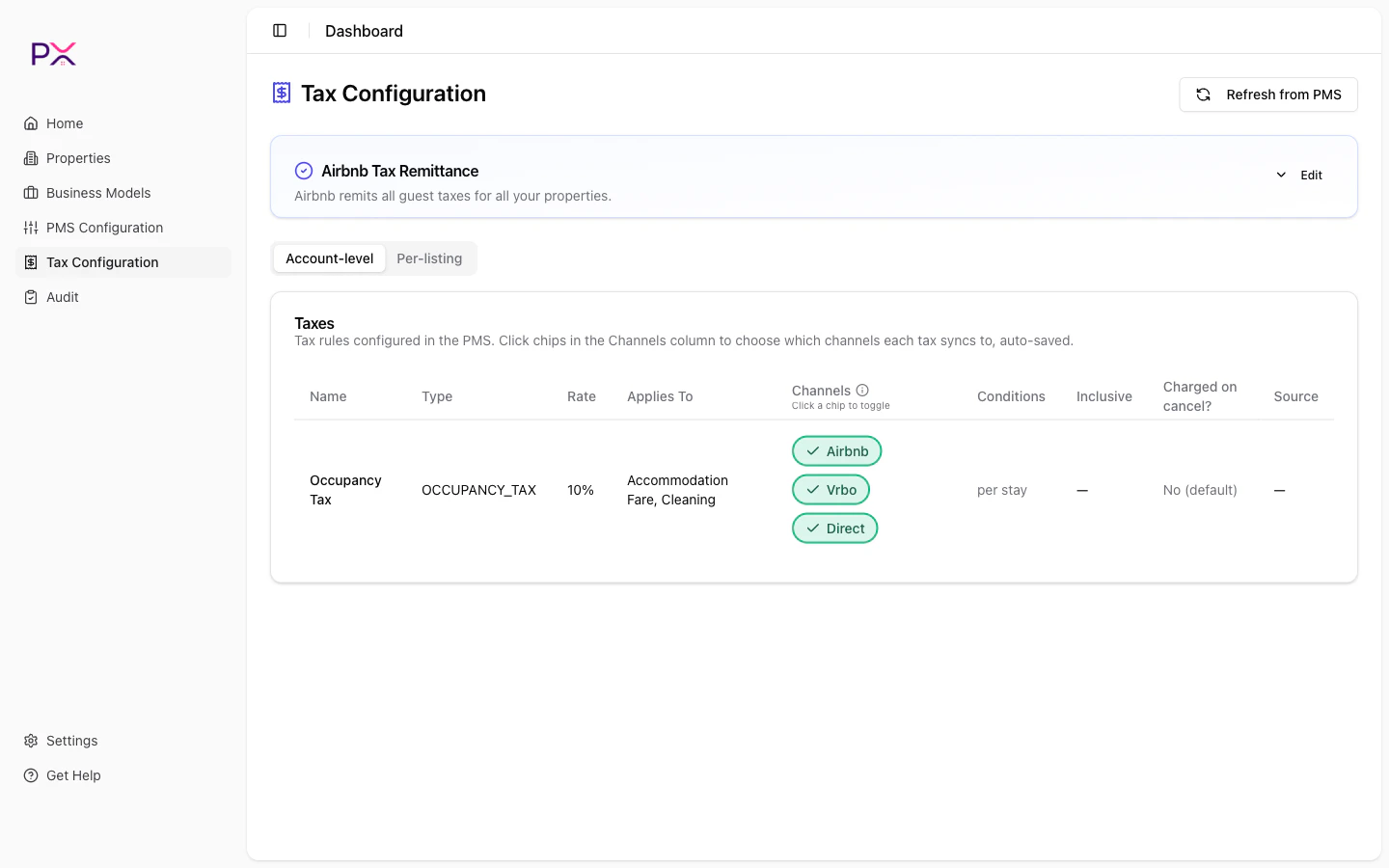
Account-level taxes tab
Per-PMS behavior
Guesty
- The Account-level tab shows the Account Taxes section with one row per tax.
- Each row reports name, percent, applicability rules, and is_inclusive flag.
- Help text: “Read-only view of taxes configured in your PMS.”
- Click Refresh from PMS at the top of the page to re-fetch.
OwnerRez
- The Account-level tab renders the OwnerRez Catalog filtered to
kind = tax. - Tax rates are inferred from booking history and confirmed by you.
- See OwnerRez Catalog for details on the catalog UI.
What each field means
PX displays these fields when your PMS exposes them. Guesty exposes most; OwnerRez exposes them only when you have entered them into the catalog.
The “applies to” list
The most common configuration is:- Lodging tax - applies to
ACCOMMODATION_FAREonly. - Sales tax - applies to
ACCOMMODATION_FAREandCLEANING_FEE. - Resort fee tax - applies to
RESORT_FEE.
applies_to means the tax applies to accommodation only (not to fees).
Listings inheriting vs overriding
The Account-level tab shows the account defaults. Some listings may have listing-level overrides that take precedence. Those are listed under the Per-listing tab, grouped by inheritance state. See Per-listing taxes for the listing-level view.Validation warnings
PX surfaces a few warnings if it detects PMS configuration patterns that commonly cause issues:- Booking.com tax compatibility - Booking.com only supports certain tax structures, and Guesty’s UI does not always enforce that. PX warns when a tax is configured in a way that Booking.com will not honor.
- Inclusive vs exclusive ambiguity - if multiple taxes apply to the same fee with mixed inclusivity, PX flags it because the math is brittle.