

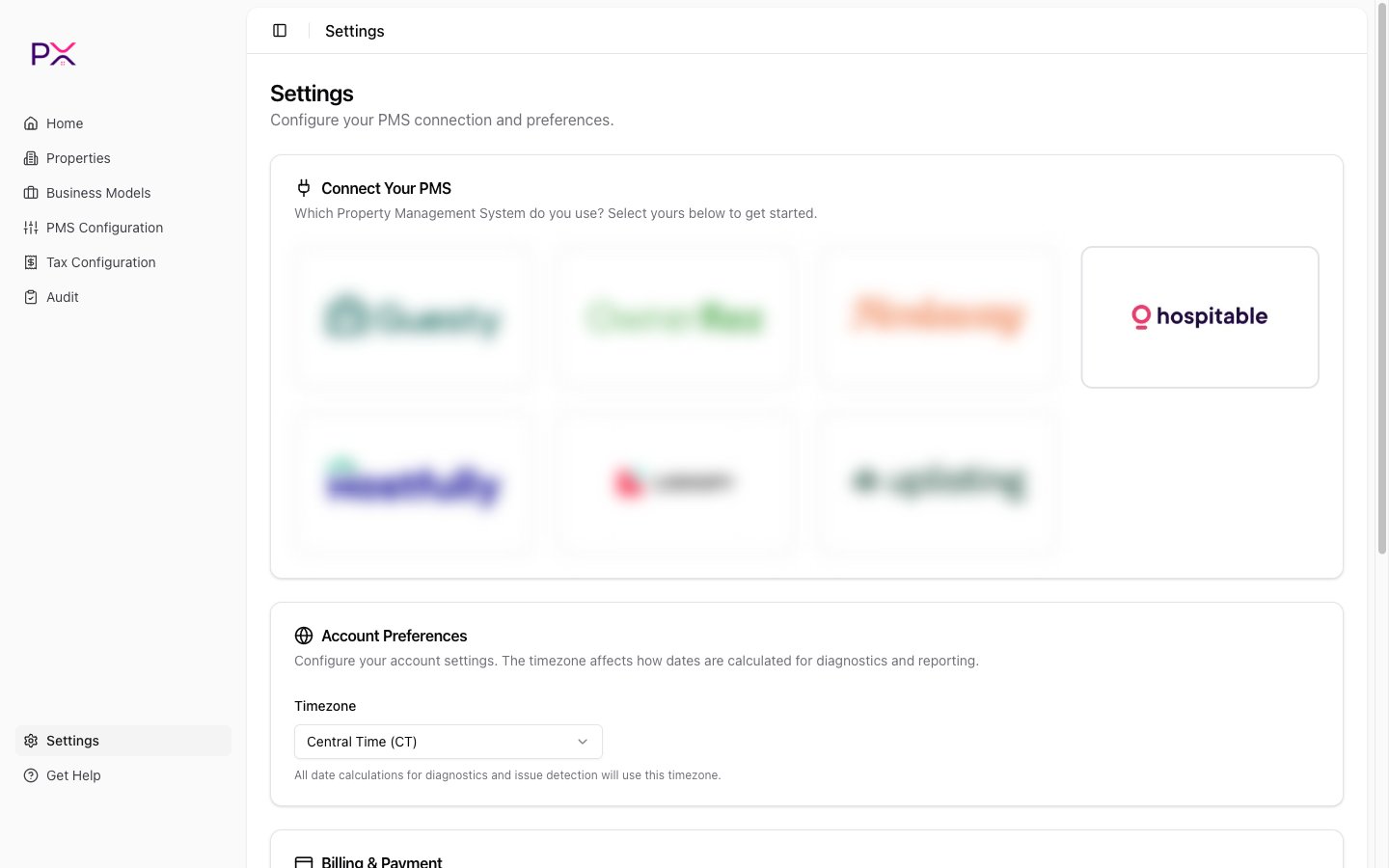
Selecting Hospitable on the PMS Connection card
Before you start
You will need:- A paid Hospitable plan. The Essentials plan does not include public API access; if you are on Essentials, upgrade first.
- An owner-level login.
Step 1 - generate a Personal Access Token
- Sign in to Hospitable: my.hospitable.com.
- In the sidebar, open Apps (or Settings -> Integrations).
- Click API access.
- Switch to the Access tokens tab.
- Click + Add new.
- Give the token a name like
PX Accountingand create it. - Copy the token.
Step 2 - paste the token into PX
- In PX, open Settings.
- In the PMS Connection card, pick Hospitable.
- Paste the Personal Access Token.
- Click Save credentials.