

Channel sync overrides are stored inside PX only. They tell PX what to expect during audits. PX does not push them back to your PMS.
Why they exist
PX cannot always tell from PMS data alone which channels actually carry which taxes. Channel sync overrides are a writable layer where you state your reality:“Lodging tax syncs to direct and Vrbo bookings, but not to Airbnb (because Airbnb collects it) and not to Booking.com (because Booking.com cannot pass through this rate).”When an audit runs against a booking, PX consults this layer to decide whether to expect the tax in the recorded charges. This is the difference between a clean audit and a wall of
MISSING_TAX findings.
Two scopes
A channel override is scoped at one of two levels:- Account scope - applies to every listing in your account.
- Listing scope - applies to one specific listing. Overrides the account scope for that listing.
How to set an override
- Open Tax Configuration.
- Switch to the Per-listing tab.
- Click a listing to open its detail view.
- Each tax row has a strip of channel chips - one per channel.
- Click a chip to toggle whether the tax syncs to that channel.
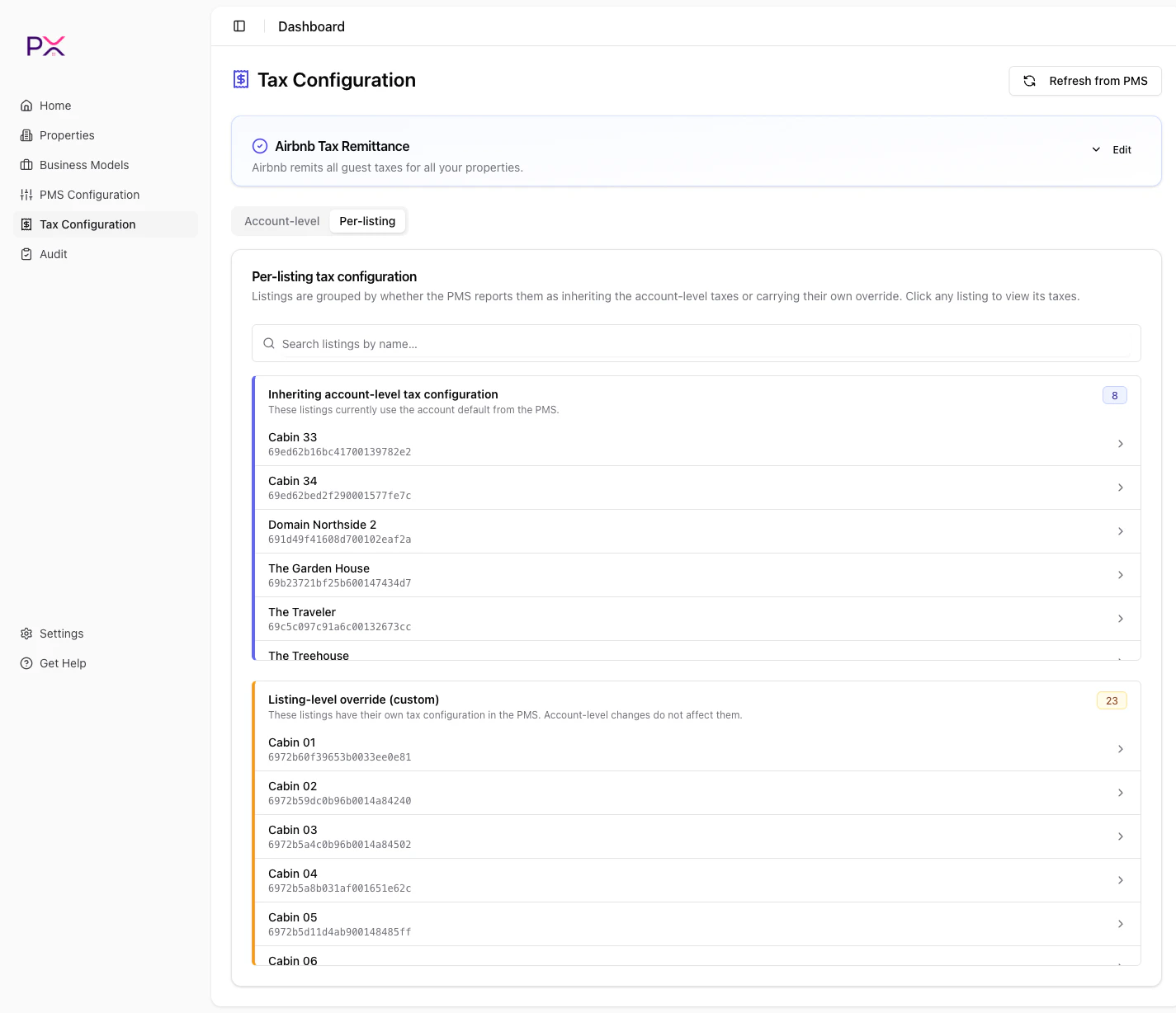
Per-listing tax view with channel sync toggles
Common channel slugs
If your PMS uses a slug PX does not recognize, the chip still appears with the raw slug name. Toggling it works the same way.
How an audit consults overrides
For each tax on each booking, the audit decision tree is:- Is there a listing-scope override for this tax?
- If yes, use it. The listed channels are expected; others are not.
- Otherwise, is there an account-scope override?
- If yes, use it.
- Otherwise, fall back to the PMS’s
applies_to_channelsfield. - If still ambiguous, default to “applies to all channels” and report differences as findings.
When NOT to use channel overrides
Channel overrides are about expected sync, not about marketplace remittance. If Airbnb collects and remits a tax on your behalf, that is a separate setting:- Use Airbnb tax remittance for marketplace-collected taxes. PX excludes them from findings on Airbnb bookings.
- Use channel overrides for “this channel does not have this tax in its system at all.”
Resetting
To remove an override:- Toggle the chips back to their default state.
- PX deletes the override row when no chips remain modified.